Integration with Telegram (BotFather)
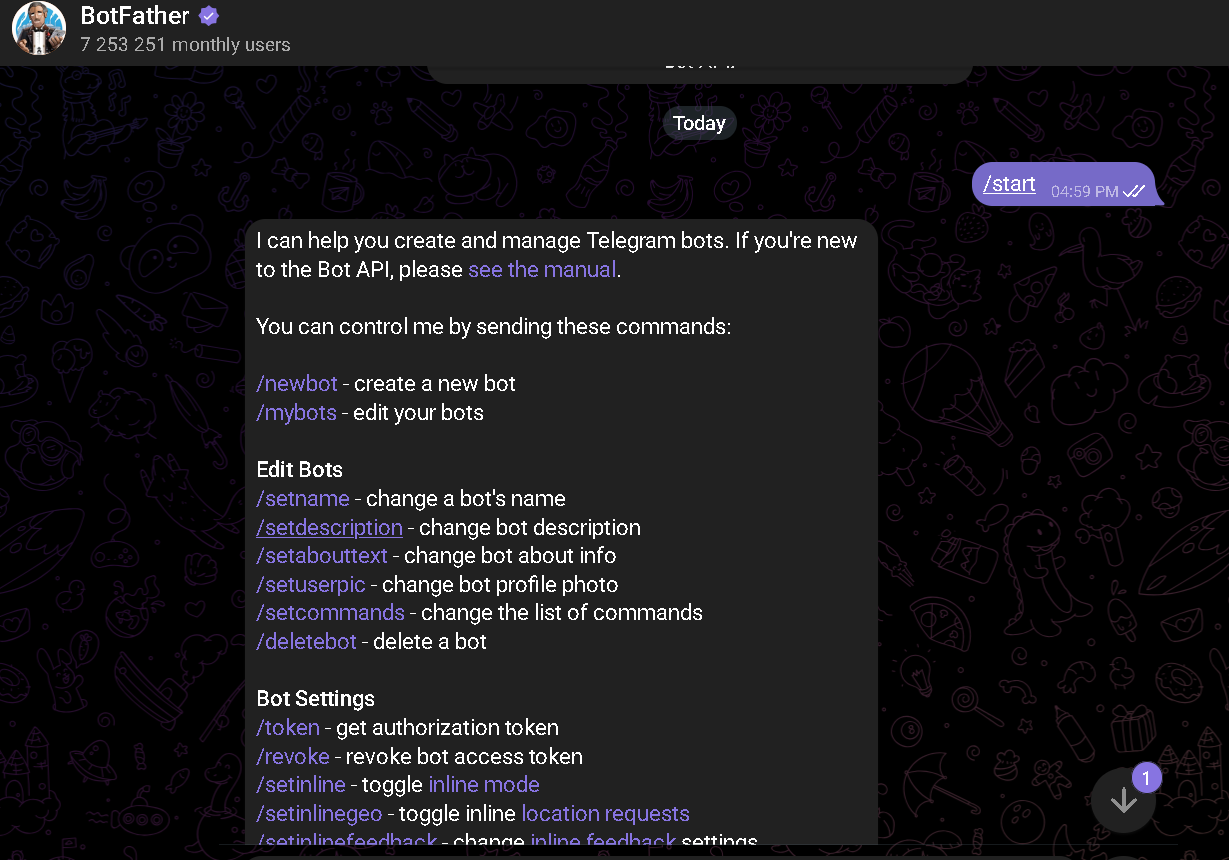
Step 1: Create the Bot in Telegram
- Open Telegram and search @BotFather
- Click Start
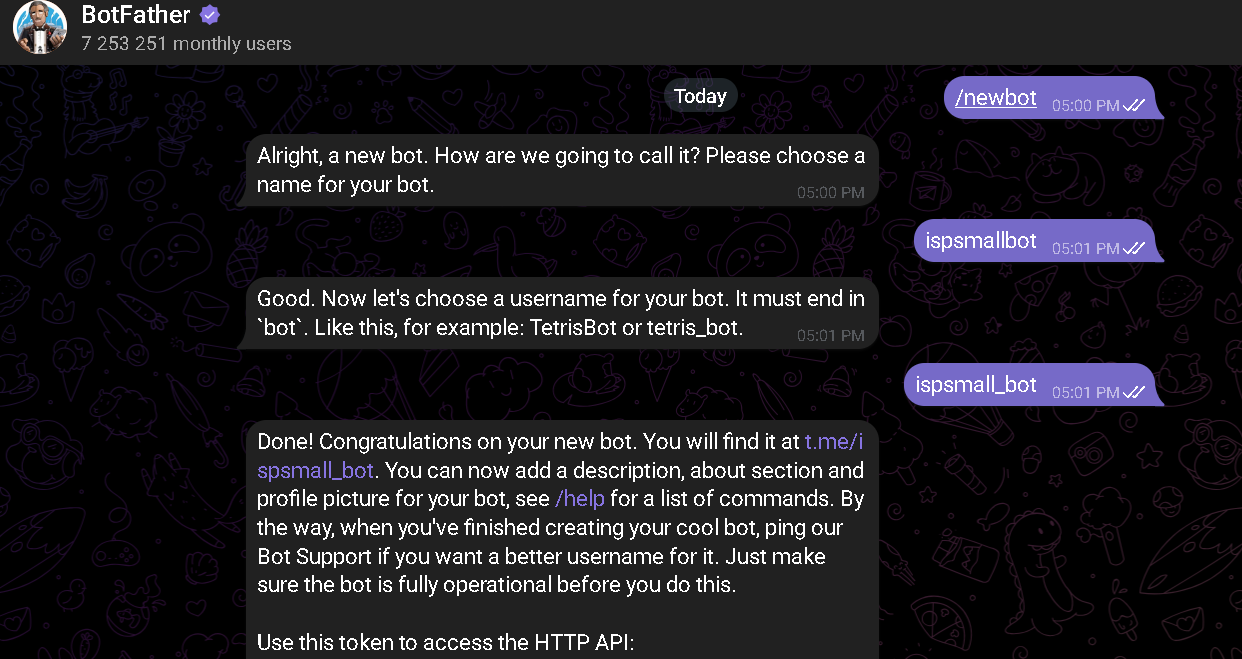
- Send the command
/newbot - Follow the instructions:
- Bot name:
Small ISP Lab Bot(or whatever name you prefer) - Bot username:
small_isp_lab_bot(must end inbot)
- Bot name:
- BotFather will give you a token like:
123456789:ABCdefGHIjklMNOpqrsTUVwxyz
Step 2: Get your Chat ID
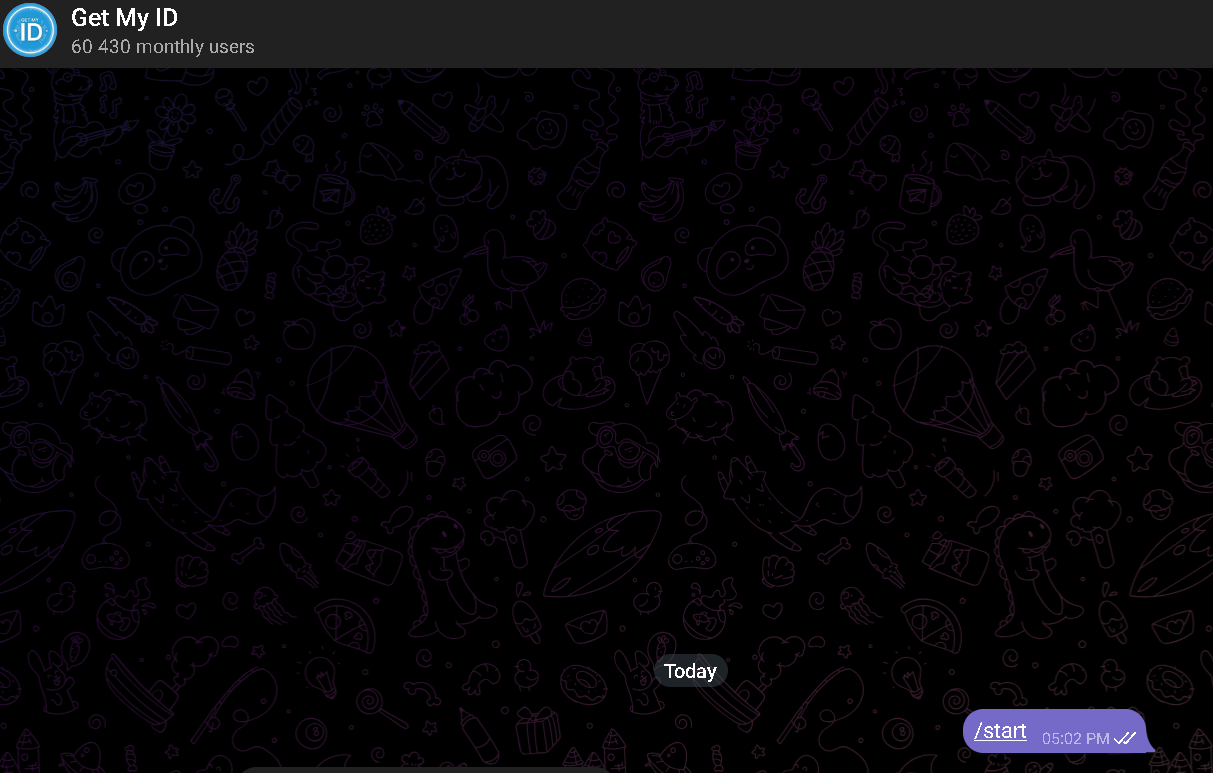
- Open Telegram and search @userinfobot, @raw_data_bot, or @getmyid_bot
- Click Start
- The bot will respond with something like:
Your ID: 6111111116
Current chat ID: 6111111116
- That number is your Chat ID
Step 3: Configure secrets.env
Edit the configs/cbot/secrets.env file:
TELEGRAM_BOT_TOKEN=123456789:ABCdefGHIjklMNOpqrsTUVwxyz
ALLOWED_ADMINS=6111111116
ALLOWED_USERS=6111111116
ENABLE_SCRIPT_UPLOAD=false
MGMT_PROBE_IP=10.99.1.2
POST_BOOT_SLEEP=30
LOG_LEVEL=INFO
Notes:
TELEGRAM_BOT_TOKENis required.ALLOWED_ADMINSandALLOWED_USERSaccept comma-separated IDs.- if both are empty, the bot runs in open development mode.
- the versioned reference file is
configs/cbot/secrets.env.example.
Step 4: Download the Image
# From the containerbot repository root
docker pull ghcr.io/abelperezr/containerbot:0.0.1
Step 5: Deploy the Lab
sudo containerlab deploy -t lab.yml
The containerbot will start automatically and connect to Telegram.
Using the Bot
Once connected, the bot will present a menu with script categories. Select a category to see available scripts and run them with a tap.
Useful Commands
/start- Shows the main menu/help- Show help/menu- Interactive category menu/list- List available scripts/playbooks/run <filename>- Run a script by filename