6. SRRP and BGP - General Tests
This test can be performed against the link between BNGs or the link to the OLT. That is why the olt-to-bng1-down.sh / olt-to-bng1-up.sh scripts exist.
6.1 EHS Script Verification
Each time the EHS script runs, a results file is saved inside the BNG at cf3:\resultsSRRPSwitch, using the format resultsSRRPSwitch_20260308-000025-UTC.665049.out. This happens during lab deployment and when SRRP tests are executed. These files are now ephemeral and disappear when the lab is destroyed.
Verify that the script is configured and operational:
A:admin@MASTER# show system script-control script-policy "Policy-SRRPSwitch"

===============================================================================
Script-policy Information
===============================================================================
Script-policy                : Policy-SRRPSwitch
Script-policy Owner          : TiMOS CLI
Administrative status        : enabled
Operational status           : enabled
Script                       : N/A
Script owner                 : N/A
Python script                : srrp_bgp_policy
Source location              : cf3:\scripts\srrp_bgp_policy.py
Results location             : cf3:\resultsSRRPSwitch
...
6.2 Review of Default Configurations
Validation in MASTER
show srrp
show router 9999 bgp neighbor 172.16.1.1 detail | match "Export Policy"
show router 9999 bgp neighbor 172.16.2.1 detail | match "Export Policy"
show router 9999 bgp neighbor 172.16.1.1 advertised-routes
show router 9999 bgp neighbor 172.16.2.1 advertised-routes
Validation in SLAVE
show srrp
show router 9999 bgp neighbor 172.16.1.3 detail | match "Export Policy"
show router 9999 bgp neighbor 172.16.2.3 detail | match "Export Policy"
show router 9999 bgp neighbor 172.16.1.3 advertised-routes
show router 9999 bgp neighbor 172.16.2.3 advertised-routes
6.3 EHS System Validation for SRRP
Procedure: Turn off MASTER interface
This can be done in two equivalent ways:
Option 1: From the terminal
This option requires the host from which you run the script to have the necessary Python libraries installed, at minimum:
python3 -m pip install pygnmi
If you do not want to install dependencies on your host, use Option 2 from Containerbot, which already includes the required libraries for this script.
python3 configs/cbot/scripts/update-ports-sros.py --host 10.99.1.2 --state disable --port-id 1/1/c1/1
Option 2: From Containerbot
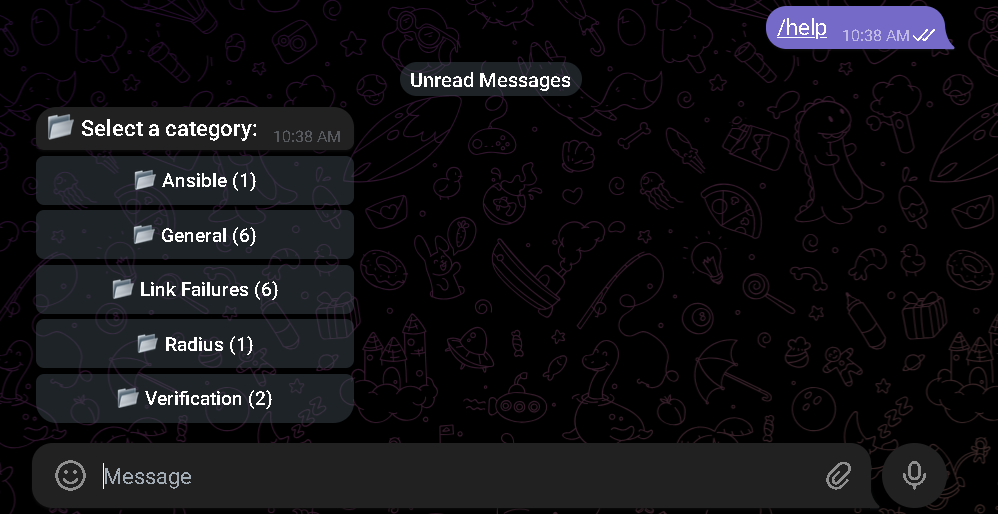
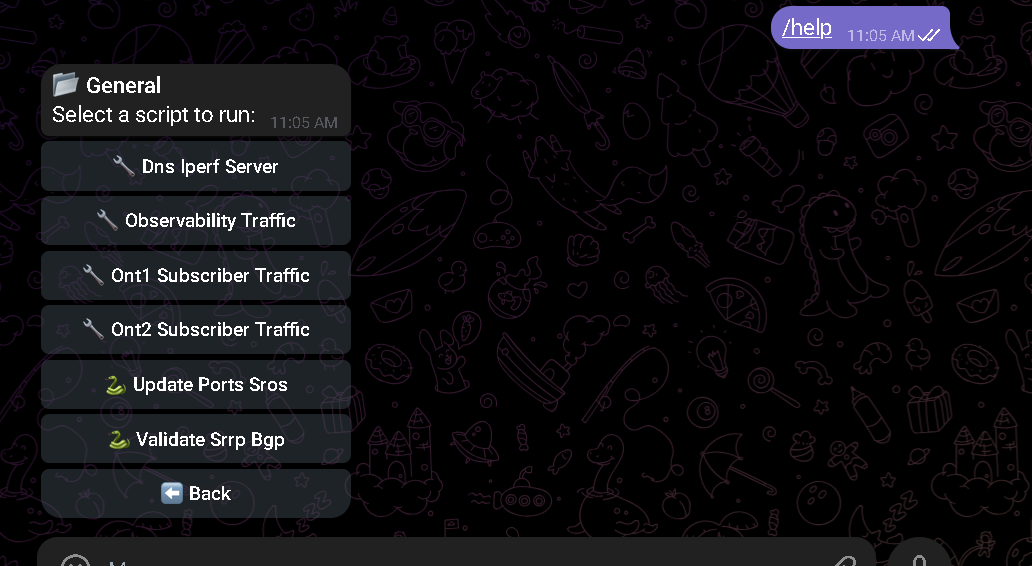
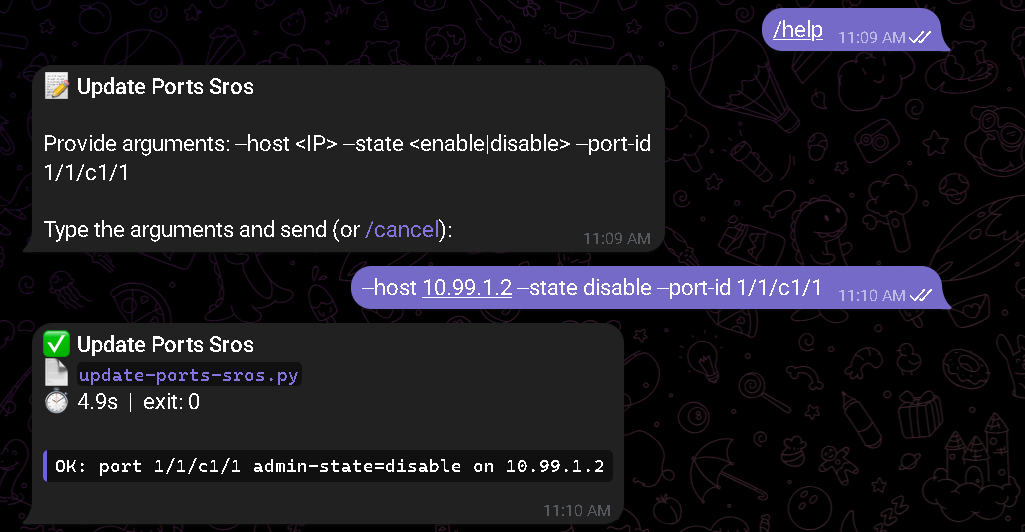
Run the exact same script with the same parameters from the Containerbot environment. The /run ... command is a bot command, not a generic host shell command:
/run update-ports-sros.py --host 10.99.1.2 --state disable --port-id 1/1/c1/1
It can also be executed directly with docker exec against the containerbot container:
docker exec -it containerbot python3 /app/scripts/update-ports-sros.py --host 10.99.1.2 --state disable --port-id 1/1/c1/1
Both options will shut down port 1/1/c1/1 on the BNG MASTER, causing an SRRP switchover.
After shutting down the interface, wait between 5 and 15 seconds before validating show srrp and the Export Policy.
For advertised-routes, especially toward Carrier 2, there may be a short additional delay. If the previous AS-Path is still shown, wait up to 15 seconds and query again.
Expected in MASTER (now Backup)
A:admin@MASTER# show srrp

===============================================================================
SRRP Table
===============================================================================
ID        Service        Group Interface                 Admin     Oper
-------------------------------------------------------------------------------
2         9998           dual-stack                      Up        backupShunt
1         9998           ipv6-only                       Up        backupShunt
3         9998           vip                             Up        backupShunt
-------------------------------------------------------------------------------
No. of SRRP Entries: 3
===============================================================================
In this validated lab, the SRRP standby state was observed as backupShunt. Depending on the release or CLI view, the exact text may vary slightly without changing the operational meaning: the node is still in backup state.
Export policies change to Backup (with prepend):
A:admin@MASTER# show router 9999 bgp neighbor 172.16.1.1 detail | match "Export Policy"
Export Policy        : public_to_ISP_C1_Backup

A:admin@MASTER# show router 9999 bgp neighbor 172.16.2.1 detail | match "Export Policy"
Export Policy        : public_to_ISP_C2_Backup
Announced routes to Carrier 1 with PREPEND x3 (AS-Path: 65520 65520 65520 65520):
A:admin@MASTER# show router 9999 bgp neighbor 172.16.1.1 advertised-routes
...
      As-Path: 65520 65520 65520 65520
Announced routes to Carrier 2 with PREPEND x4 (AS-Path: 65520 65520 65520 65520 65520):
A:admin@MASTER# show router 9999 bgp neighbor 172.16.2.1 advertised-routes
...
      As-Path: 65520 65520 65520 65520 65520
Expected in SLAVE (now Master)
A:admin@SLAVE# show srrp

===============================================================================
SRRP Table
===============================================================================
ID        Service        Group Interface                 Admin     Oper
-------------------------------------------------------------------------------
2         9998           dual-stack                      Up        master
1         9998           ipv6-only                       Up        master
3         9998           vip                             Up        master
-------------------------------------------------------------------------------
No. of SRRP Entries: 3
===============================================================================
Export policies change to Master:
A:admin@SLAVE# show router 9999 bgp neighbor 172.16.1.3 detail | match "Export Policy"
Export Policy        : public_to_ISP_C1_Master

A:admin@SLAVE# show router 9999 bgp neighbor 172.16.2.3 detail | match "Export Policy"
Export Policy        : public_to_ISP_C2_Master
Announced routes to Carrier 1 NO PREPEND:
A:admin@SLAVE# show router 9999 bgp neighbor 172.16.1.3 advertised-routes
...
      As-Path: 65520
Announced routes to Carrier 2 with PREPEND x2:
A:admin@SLAVE# show router 9999 bgp neighbor 172.16.2.3 advertised-routes
...
      As-Path: 65520 65520 65520
6.4 Bring MASTER Interface Back Up
This can be done in two equivalent ways:
Option 1: From the terminal
This option requires the host from which you run the script to have the necessary Python libraries installed, at minimum:
python3 -m pip install pygnmi
If you do not want to install dependencies on your host, use Option 2 from Containerbot, which already includes the required libraries for this script.
python3 configs/cbot/scripts/update-ports-sros.py --host 10.99.1.2 --state enable --port-id 1/1/c1/1
Option 2: From Containerbot
Run the exact same script with the same parameters from the Containerbot environment. The /run ... command is a bot command, not a generic host shell command:
/run update-ports-sros.py --host 10.99.1.2 --state enable --port-id 1/1/c1/1
It can also be executed directly with docker exec against the containerbot container:
docker exec -it containerbot python3 /app/scripts/update-ports-sros.py --host 10.99.1.2 --state enable --port-id 1/1/c1/1
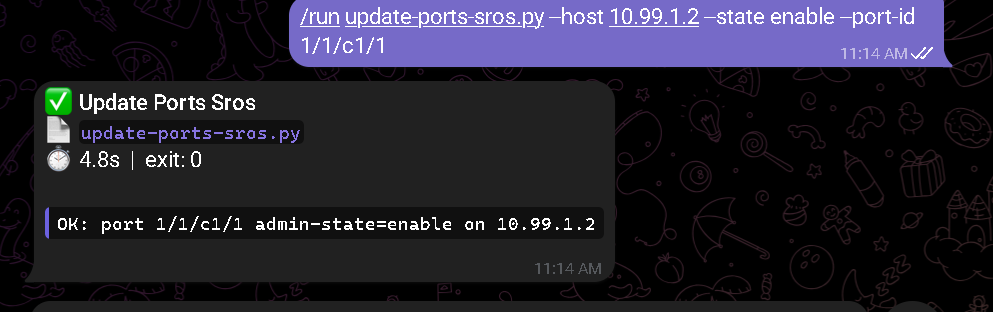
Both options will bring port 1/1/c1/1 on the BNG MASTER back up.
Verify that MASTER recovers the master role and that the export policies return to their original state.
After bringing the interface back up, wait between 5 and 15 seconds before validating show srrp, Export Policy, and advertised-routes.
During that window you may see the role and policy change first, and the final AS-Path in advertised-routes a few seconds later, especially toward Carrier 2.
After bringing the MASTER interface back up, there may be a short window in which show srrp and the Export Policy already reflect the return to normal, but show router 9999 bgp neighbor ... advertised-routes still shows No Matching Entries Found.
In the validated lab runs, that state was transient and disappeared a few seconds later without any additional intervention.
Validation in MASTER and SLAVE
Repeat the commands in section 6.2 and verify that the policies return to their default state.
6.5 Shut Down Carrier 1 Interfaces
This can be done in two equivalent ways:
Option 1: From the terminal
Go to the configs/cbot/scripts directory and run:
./carrier1-to-bng1-down.sh
Option 2: From Containerbot
Run this command from the Containerbot environment. The /run ... command is a bot command, not a generic host shell command.
/run carrier1-to-bng1-down.sh
It can also be executed directly with docker exec against the containerbot container:
docker exec -it containerbot /app/scripts/carrier1-to-bng1-down.sh
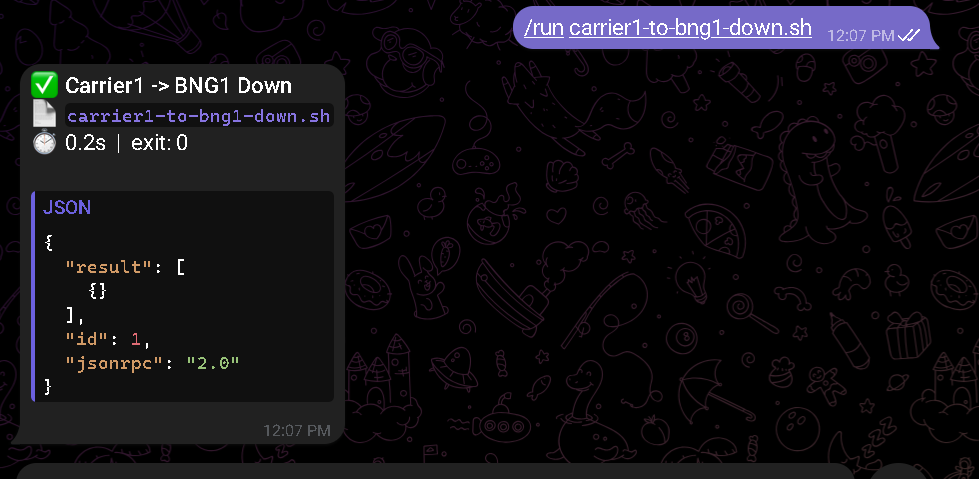
After shutting down Carrier 1, wait between 3 and 10 seconds before validating show router 9999 bgp summary.
Expected in MASTER
Neighbor 172.16.1.1 must go to state Connect (BGP session down):
A:admin@MASTER# show router 9999 bgp summary
...
172.16.1.1
to_CARRIER1
                65501       0    0 00h00m09s Connect
                            0    0
172.16.2.1
to_CARRIER2
                65502      79    0 00h36m04s 2/2/3 (IPv4)
                           85    0           2/2/4 (IPv6)
6.6 Bring Carrier 1 Interfaces Back Up
This can be done in two equivalent ways:
Option 1: From the terminal
Go to the configs/cbot/scripts directory and run:
./carrier1-to-bng1-up.sh
Option 2: From Containerbot
Run this command from the Containerbot environment. The /run ... command is a bot command, not a generic host shell command.
/run carrier1-to-bng1-up.sh
It can also be executed directly with docker exec against the containerbot container:
docker exec -it containerbot /app/scripts/carrier1-to-bng1-up.sh
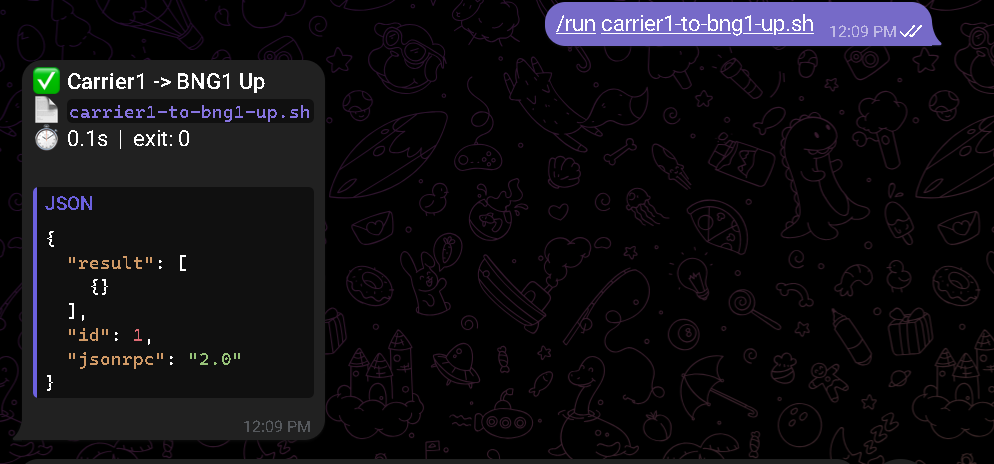
Wait between 10 and 20 seconds for the routes to re-establish. Carrier 1 should be active again with LP 300:
A:admin@MASTER# show router 9999 bgp summary
...
172.16.1.1
to_CARRIER1
                65501       7    0 00h00m09s 2/2/0 (IPv4)
                            3    0           2/2/0 (IPv6)
172.16.2.1
to_CARRIER2
                65502     105    0 00h49m00s 2/0/3 (IPv4)
                          111    0           2/0/4 (IPv6)
These same tests can be run on the BNG SLAVE using the carrier1-to-bng2-down.sh and carrier1-to-bng2-up.sh scripts.